Create from a prompt
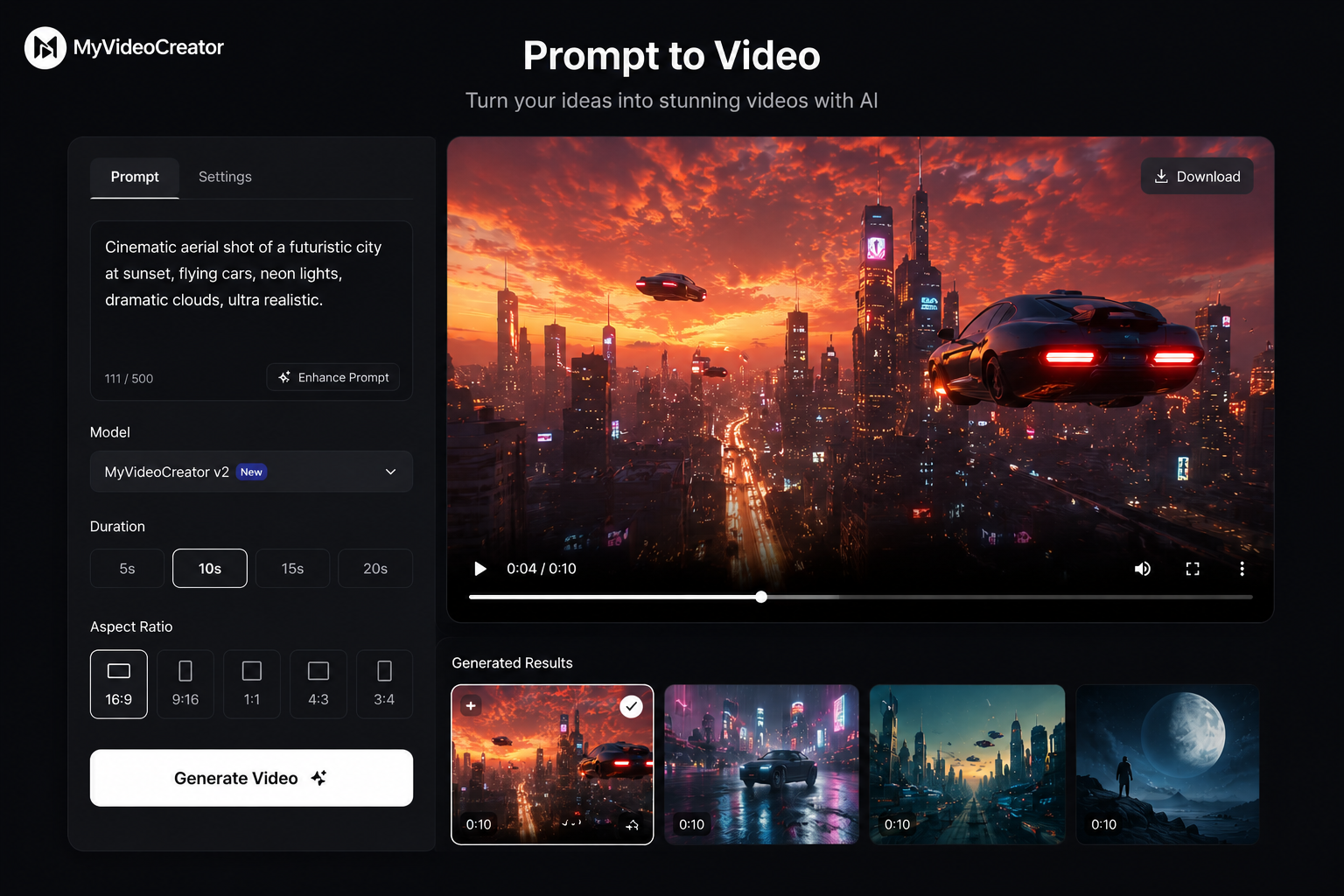
Start with a text idea and let the engine plan scenes, find footage, add narration, and render an MP4.
View utility →
One entry point for the three video utilities now in the studio: prompt-only creation, beat-synced editing, and reference-image color grading.
Prompt video preview. The utility hub links every workflow.
Choose the right starting point before entering the studio: prompt video, beat-synced B-roll, or color grade.
Start with a text idea and let the engine plan scenes, find footage, add narration, and render an MP4.
View utility →Bring clips and a reference track; the worker finds the energetic stretch and cuts the edit to rhythm.
View utility →Match raw footage or a completed render to the tone of a reference image for a consistent final look.
View utility →We're designing the beta so first users can try real-footage renders without card friction.
The engine is being built to plan scenes, find footage, review shots and render quickly.
After launch, approved community clips can be credited when paid renders use them.
| MyVideoCreator | Veo 3 | Sora | Runway | |
|---|---|---|---|---|
| Cost per render | Free early access | $$$ | $$$ | $$ |
| Source of visuals | Real footage | AI-generated | AI-generated | AI-generated |
| Creator rewards | Planned | No | No | No |
| Access status | Early access soon | Waitlist | Limited | Yes |
Plain English becomes a short narrated render, with scenes planned and footage selected by the engine.
Uploaded clips and a reference track become a montage cut to the strongest section of the audio.
A reference still sets the tone, then the grade utility gives footage and renders a coherent look.
The planned community library will let approved footage earn when paid renders use it. No exposure promises — actual rupee credits.
Currently in build. Early access opening soon.
One email when early access opens. Nothing else, ever.